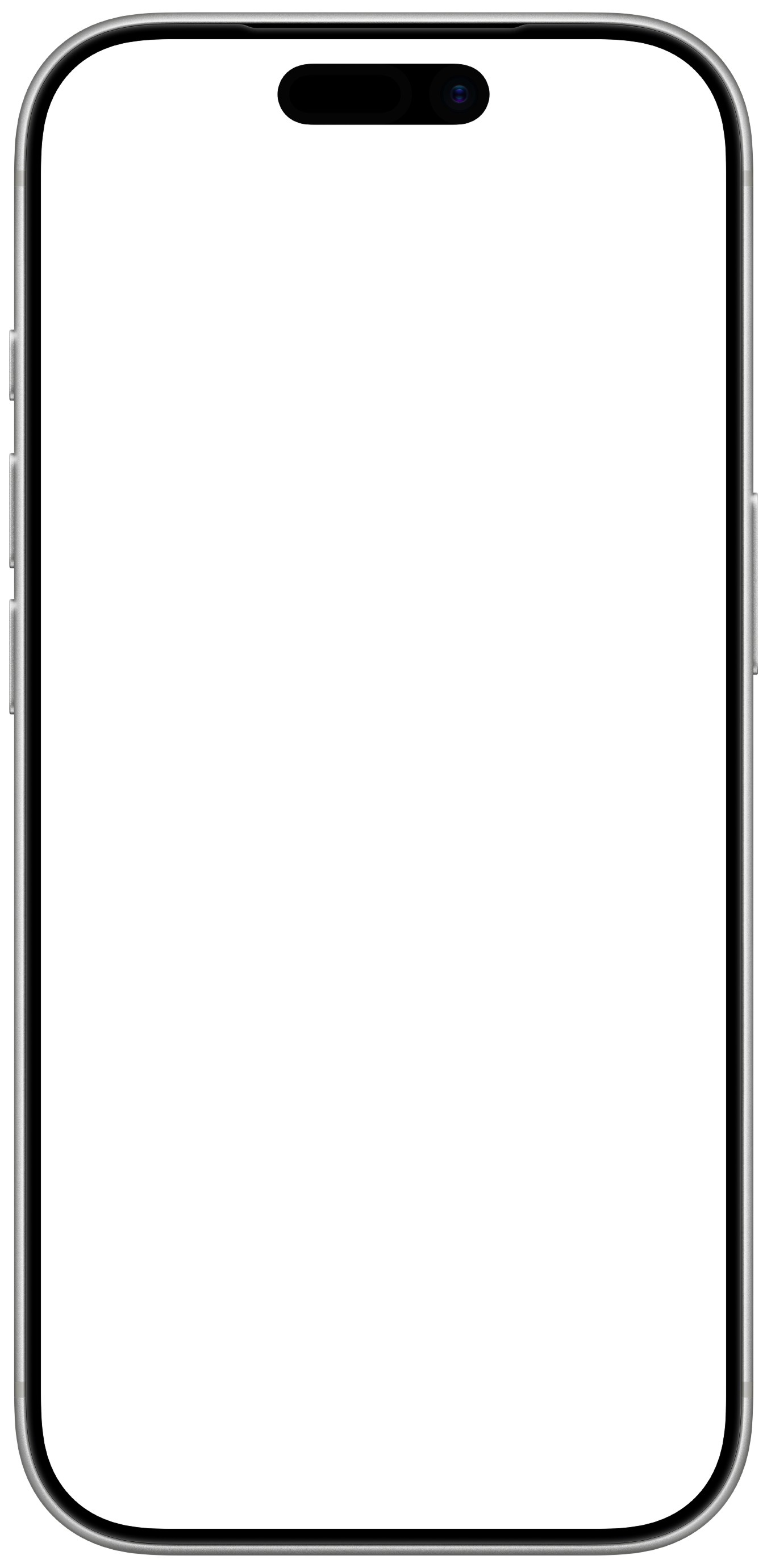





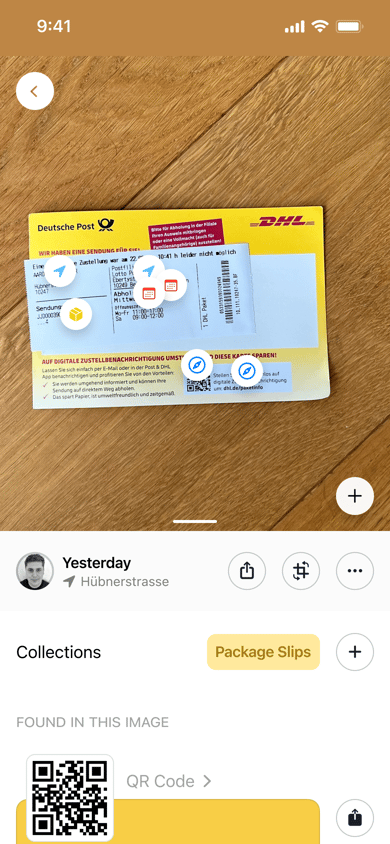
WorkLens treats these photos as valuable inputs rather than clutter. It organizes them into structured, searchable datasets, automatically groups related images, and makes it easy to find and share what matters. Built for real-world workflows, it creates a collaborative space where visual information can be captured, understood, and used over time, turning the camera into a tool for documentation and coordination.

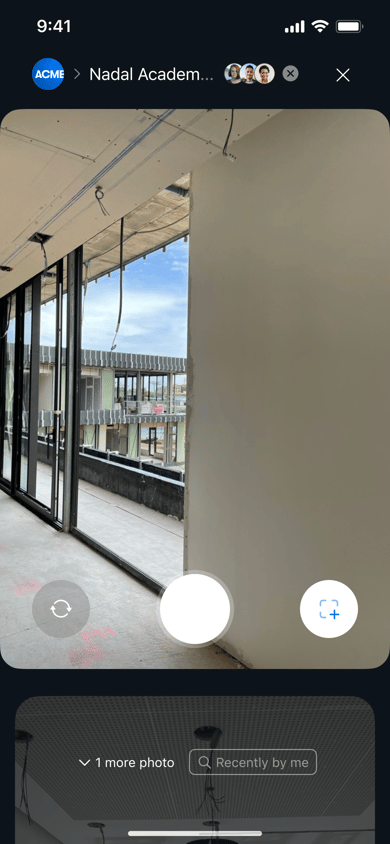
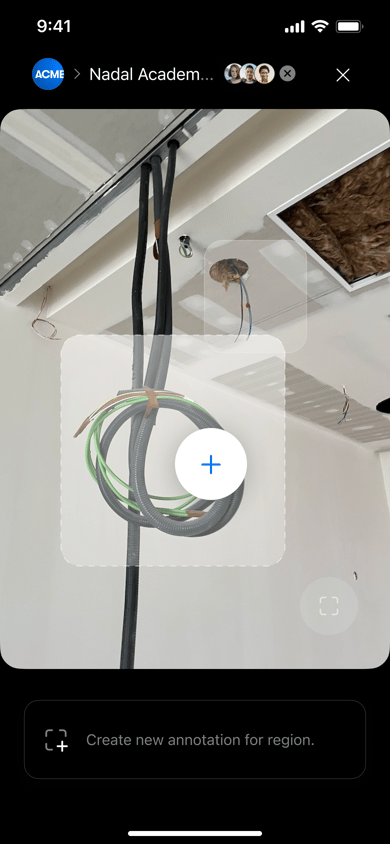
Annotating the work through the camera
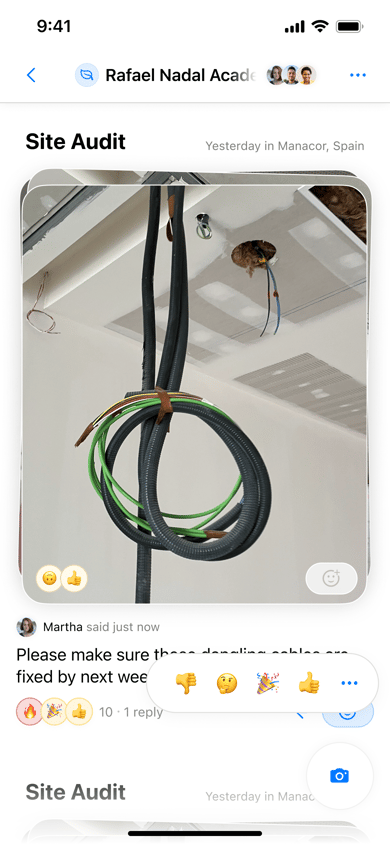
WorkLens extends the camera beyond capture by making it easy to annotate images in place. Users can tag, comment, and highlight specific parts of a photo as they capture it, creating structured context alongside the image. These annotations are not only useful for communication and organization, but also form the foundation for training lightweight vision models. Over time, this allows the system to better understand what matters in each image and turn simple captures into actionable intelligence.
A better visual search
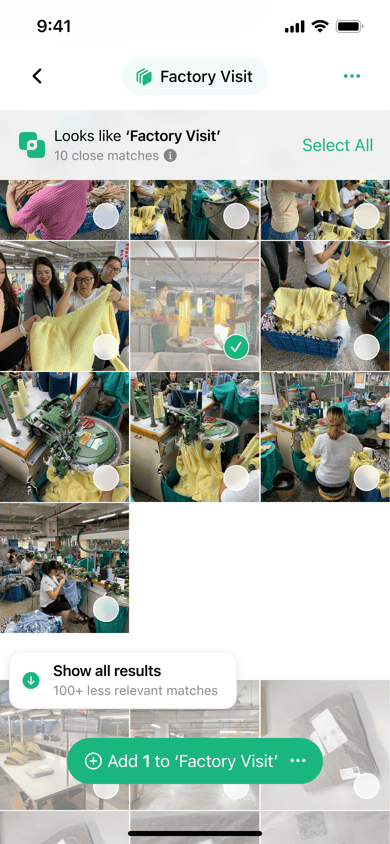
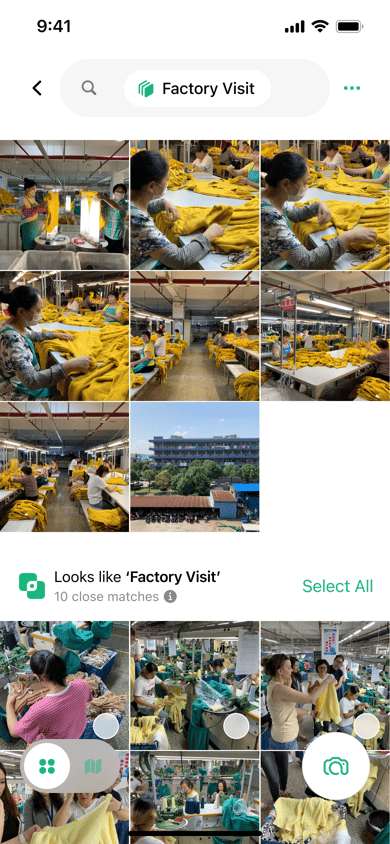
In the gallery, WorkLens uses lightweight AI techniques to help users navigate large photo libraries. As users search, the system dynamically surfaces visually similar images, making it easy to find related work without relying on perfect labels or memory. This creates a more fluid way to explore datasets, where patterns and groupings emerge naturally based on visual similarity rather than rigid folder structures.
Building the WorkLens brand

Alongside the product, we developed the full brand and identity for WorkLens. The goal was to reflect a shift from personal photography to functional image capture, with a system that felt precise, utilitarian, and intelligent. This extended across naming, visual identity, interface design, and messaging, creating a cohesive product that clearly communicates its purpose as a tool for work rather than memory.